
Introducing the Fitabase Engage mobile app
Preview · Summer 2026Surveys, EMAs, and just‑in‑time interventions
A mobile-first, de-identified survey experience from Fitabase. Run dynamic survey studies, ecological momentary assessments, and just-in-time interventions remotely.
Request a demo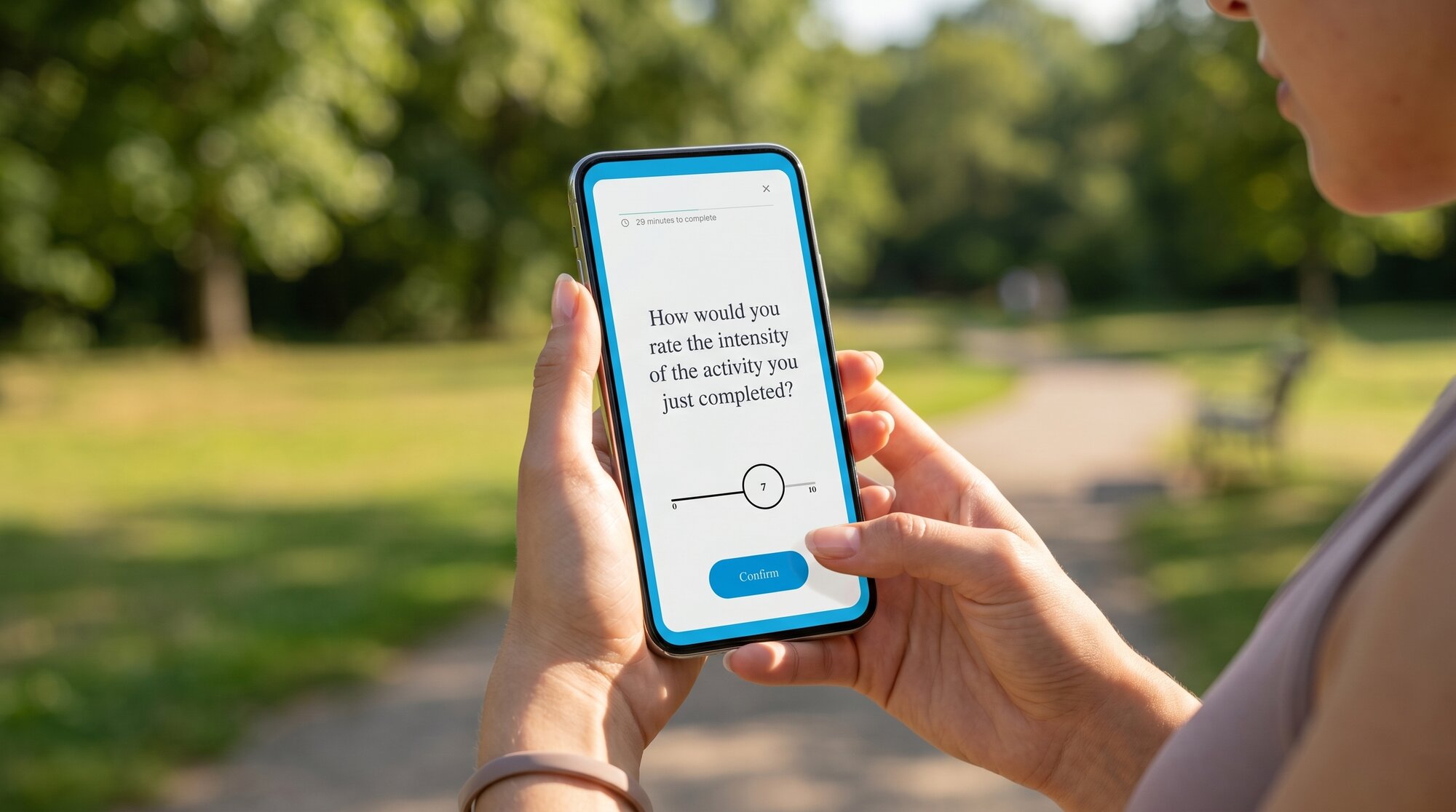
Bring your own phone
Participants respond right from their own devices
The Fitabase Engage app lives on a participant's personal mobile phone. No special device required.
No email address or phone number is involved in downloading the app or receiving surveys, making for a totally de-identified experience.
Build. Send. Engage.
How surveys come together
Build surveys in your Fitabase dashboard and deliver them straight to participant phones, all from a guided six-step workflow.

Create
Start from a prompt template
Prompt type templates support multiple question types: boolean, Likert, multi-select, free text, and more.

Build
Build surveys from prompts
Use prompts as building blocks to assemble a survey that fits your protocol.

Assign
Assign to participants or groups
Send surveys to specific participants, study arms, or everyone at once.

Schedule
Time it right
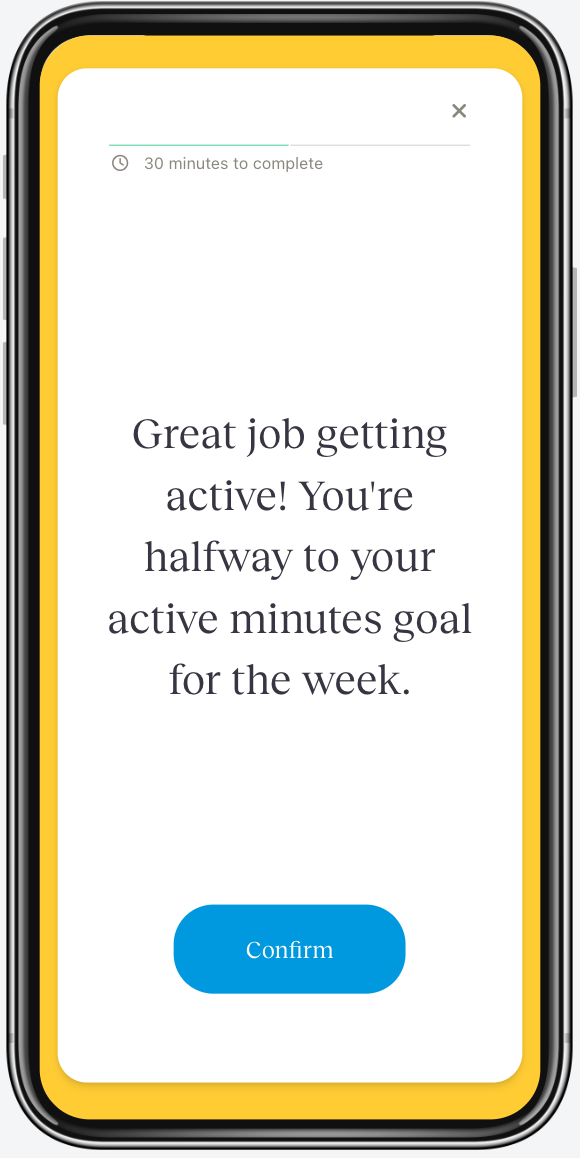
Set go-live times based on the clock or participant activity, the foundation for EMAs and just-in-time adaptive interventions.

Deliver
Push it live
Use our template or write your own push notification text. Participants see the alert on their lock screen when a survey is ready.

Engage
Watch responses roll in
View participant responses in near real-time and monitor for issues as they come up.
Not just for surveys
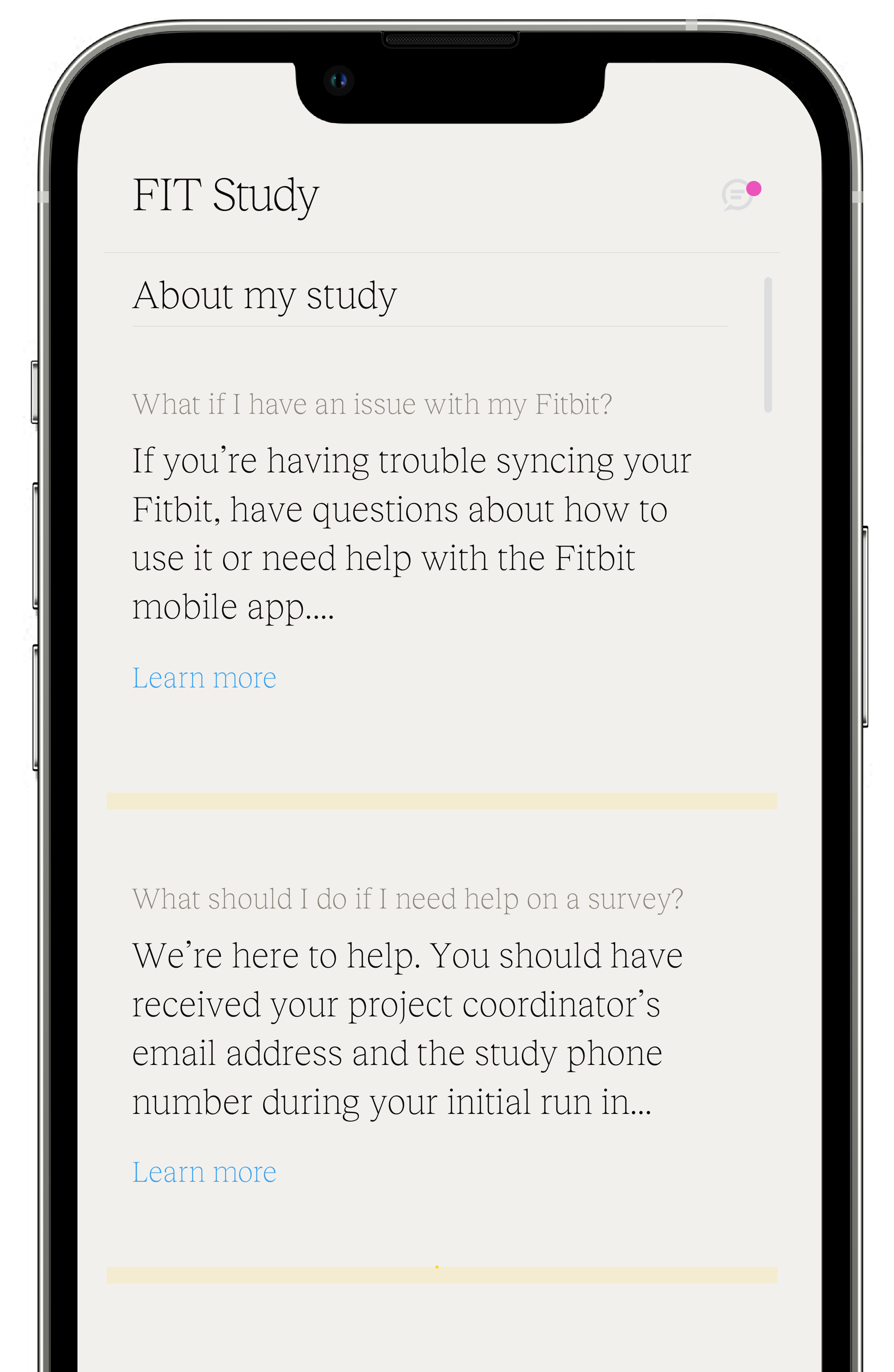
Your participants' hub for the whole study experience
- Check Fitbit or Garmin sync status at a glance
- Get nudged to sync when a device falls behind
- Access device troubleshooting tips
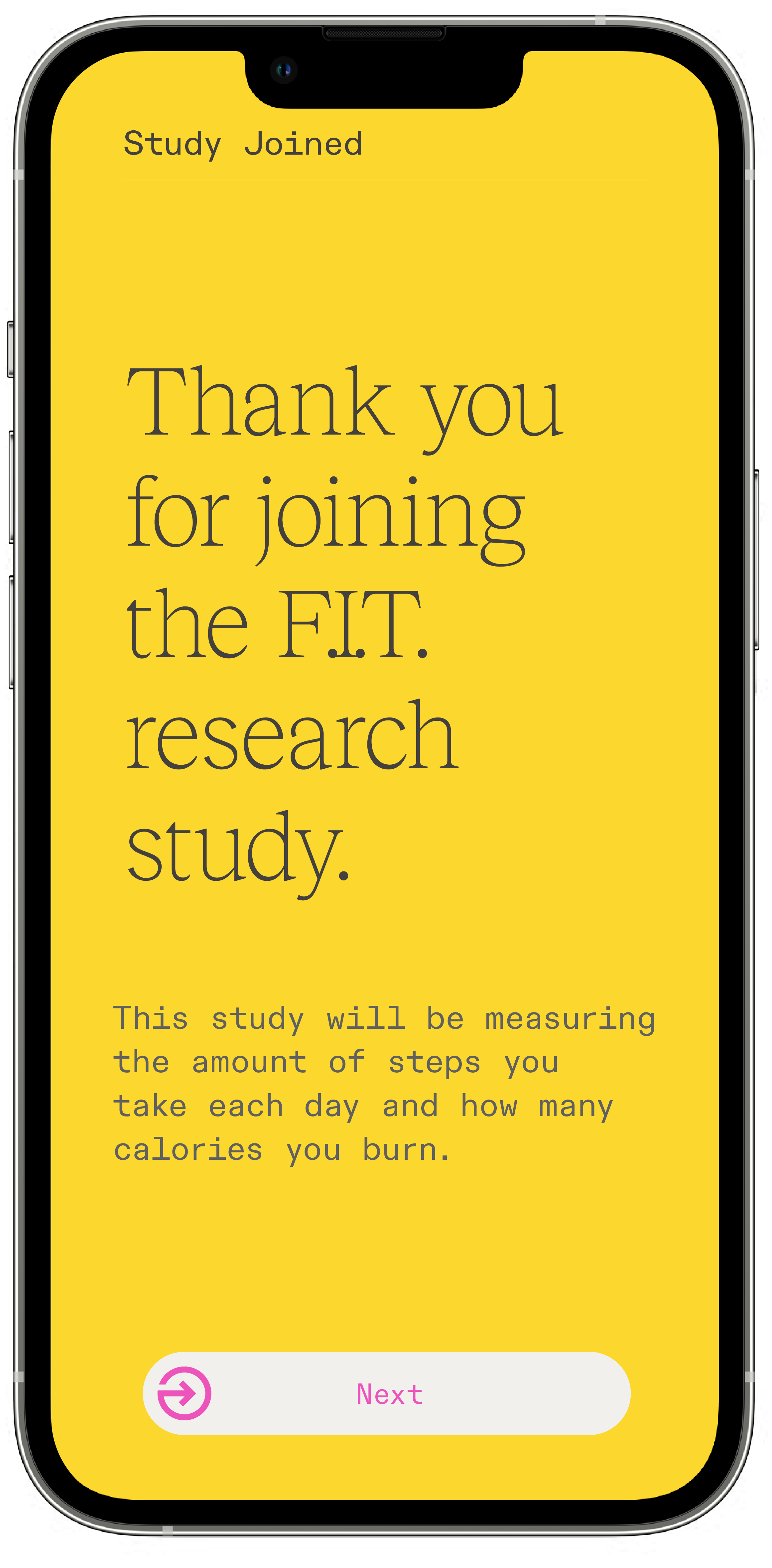
- Learn more about the study they've joined
Visual Flow Designer
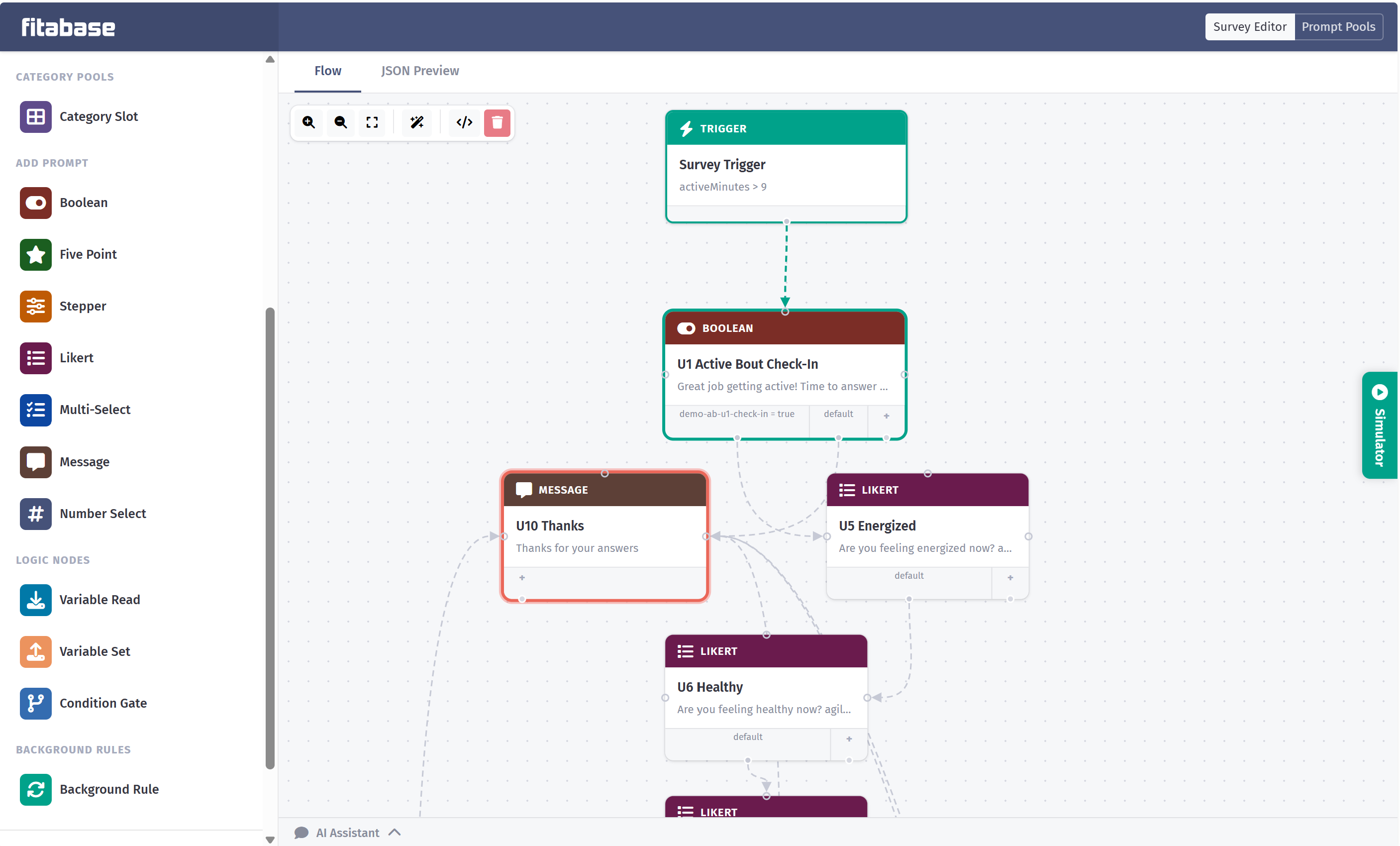
Design conditional logic without writing code
Build surveys as a visual graph. Chain prompts together, branch on responses, and react to what a participant just did, all from a drag-and-connect canvas.
- Advanced triggers tied to wearable activity data like active minutes, step goals, heart-rate zones, and workout completion
- Conditional branching on any prior response or participant variable
- Custom rules that combine activity, time-of-day, and study-defined data
- Map each response to a named variable that flows directly into your Fitabase dataset, with no post-processing required
AI Assistant
Build complex logic with plain conversation
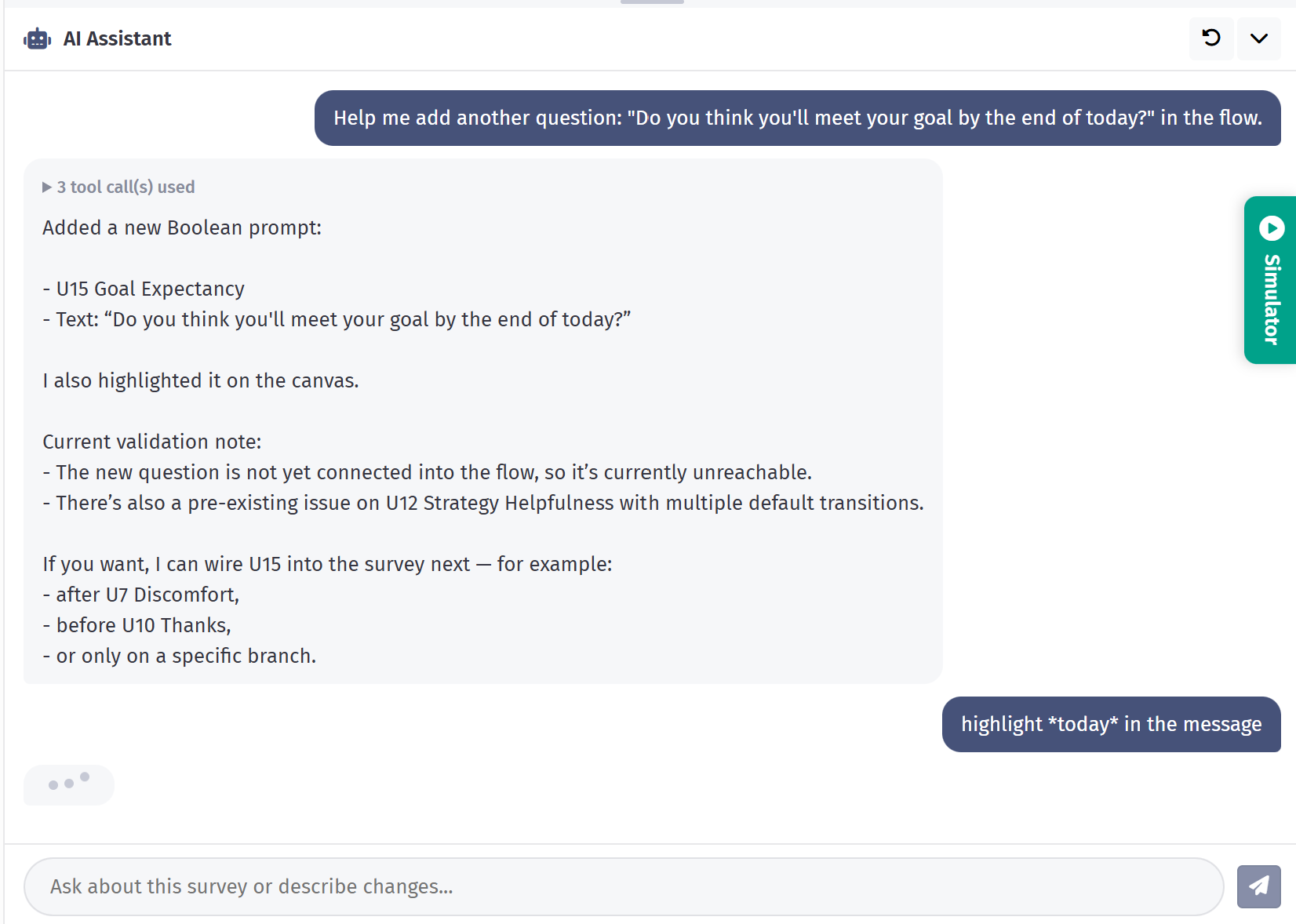
Describe what you want in plain English and the built-in AI Assistant wires it up for you. Add new questions, chain branches, tweak copy, or rework an entire flow, without touching the canvas.
- Add, edit, or connect prompts by describing the change you want
- Bring your ideas to life. Describe the study you have in mind and watch the flow take shape as you talk
- Import an existing study design in whatever format you have it (a doc, a spreadsheet, a flowchart, a whiteboard photo) and the AI Assistant draws it onto the canvas instantly
Tailor surveys to your study
From EMAs to just-in-time interventions
Ecological momentary assessments
Use activity-based triggers to craft and manage EMAs that capture how participants are feeling in the moment.
Just-in-time adaptive interventions
Run JITAIs with personalized messages and surveys delivered based on participant activity patterns.
Push Notifications
Timely nudges that drive compliance
Trigger push notifications based on participant activity, time of day, or study milestones. Help participants stay on track without adding burden, and meet participants where they are.
Garmin SDK Integration
Direct-to-device sync, no servers in the middle
Some protocols need finer-grained data than Garmin's cloud exposes. Others can't route participant data through Garmin's servers at all.
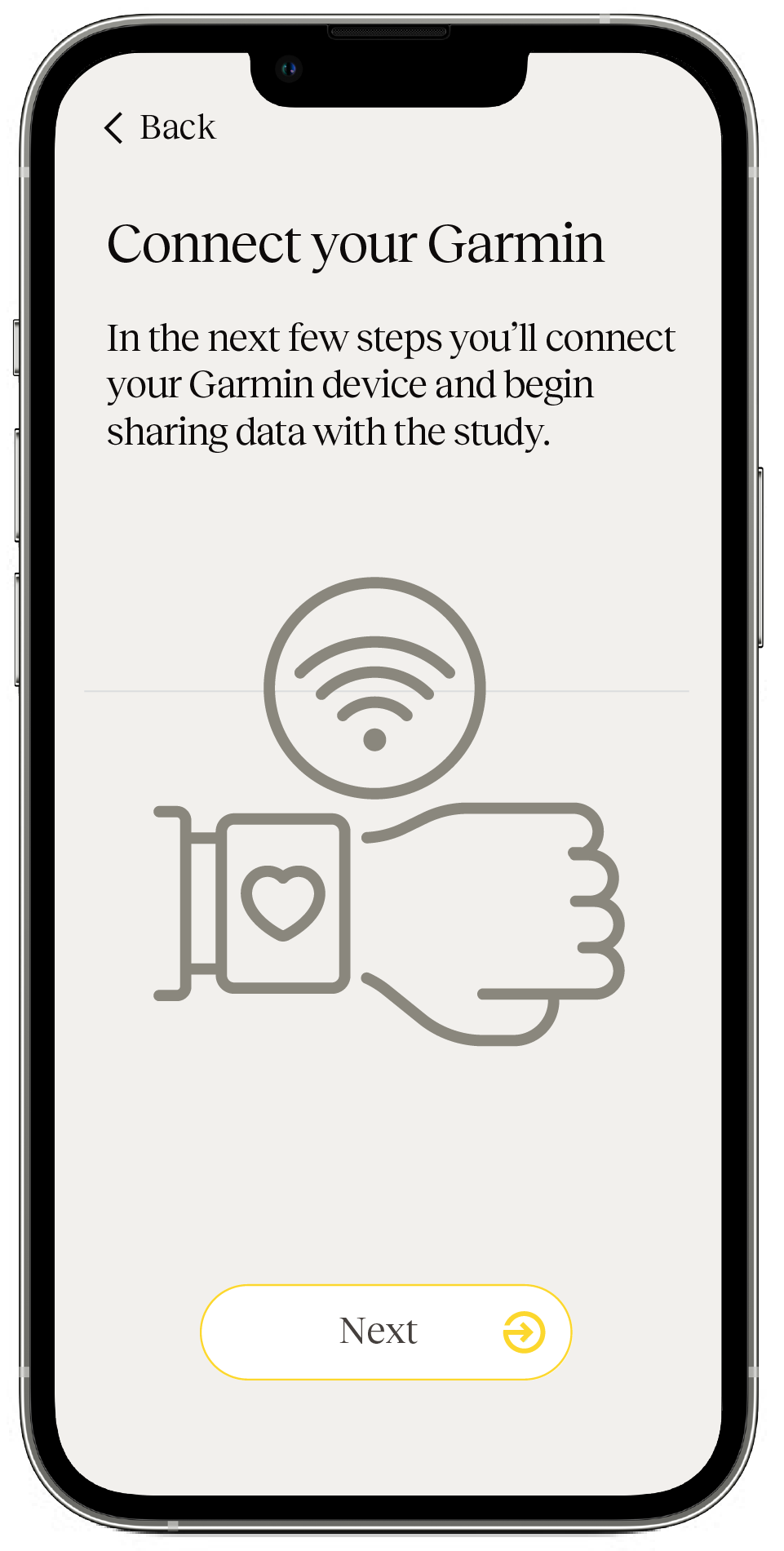
For these studies, the Engage mobile app ships with direct-to-device syncing built on the Garmin SDK. Participants pair their watch once over Bluetooth, and data flows straight from the wrist into your Fitabase dataset.
Easy for participants
Getting started takes minutes
Participants download the Fitabase Engage app from the Apple App Store or Google Play and enter the access code provided by your study team. No additional personal details required.
Compatible with iPhone (iOS 15+) and Android 9 or higher.
Interested in Fitabase Engage?
Contact us to see a live demo and learn how Engage fits your research.
Request a demo